





Settings is where every account-level switch lives — your profile, the credentials that connect Afflow to AliExpress and Amazon, the social platforms you publish to, your password, your email preferences, and your plan. The page uses a vertical sidebar with six tabs; the tab you are on is reflected in the URL, so you can deep-link or bookmark any of them.
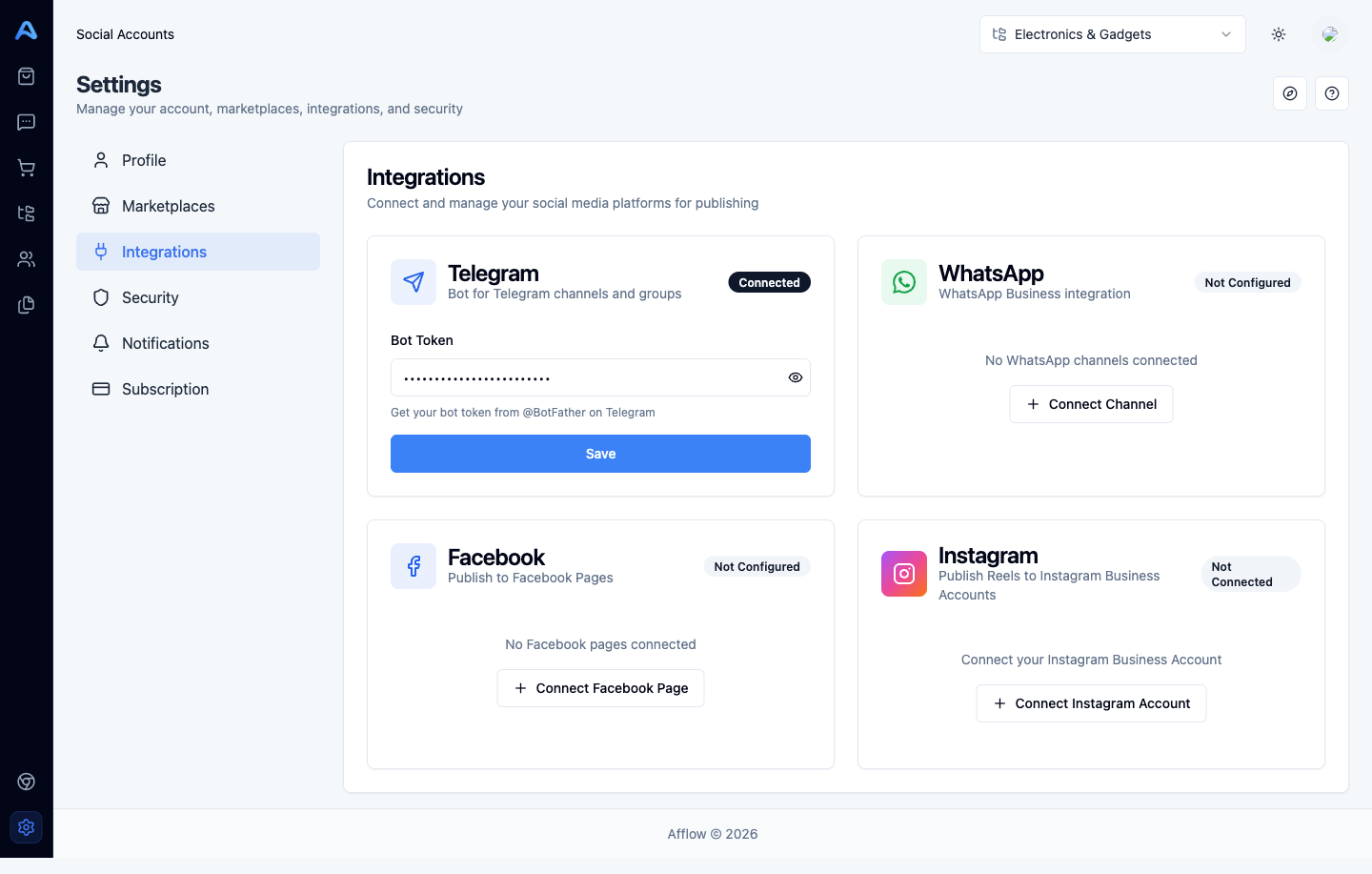
The six tabs
- Profile — your name, phone, and the language Afflow uses across the app. Email is read-only because it comes from the account you signed up with.
- Marketplaces — credentials for AliExpress and Amazon. Required for affiliate-link generation, the Explore Products tool, and reliable product imports.
- Integrations — the social platforms you publish to: Telegram, WhatsApp, Facebook, and Instagram. Connecting an integration here makes that platform available when you create groups.
- Security — change your password.
- Notifications — opt in or out of the optional summary emails Afflow sends you.
- Subscription — your current plan, AI credit usage, billing period, plan upgrades and downgrades, and your invoice history.
Where each tab's settings actually apply
Settings here are account-wide — they affect every category, every group, and every post. (Per-category settings live under Posts → Settings instead, which is a separate page.) Profile language changes the UI you see; Marketplaces credentials power product imports and affiliate-link generation; Integrations credentials are consumed when posts are published to your groups; Notifications drives the optional emails Afflow sends to your inbox; Subscription controls how many groups you can connect, how many WhatsApp channels are allowed, and which premium features are unlocked.
What you should set up first
If you have just signed up, walk through Settings in this order:
- Profile — confirm your name and pick the language you want the UI in.
- Marketplaces — connect AliExpress (and Amazon if you use it). Without this, Explore Products is hidden and affiliate links may fail.
- Integrations — connect at least one publishing platform (Telegram bot token is the fastest to set up).
- Subscription — confirm you are on the right plan for the number of groups and the features you need.