





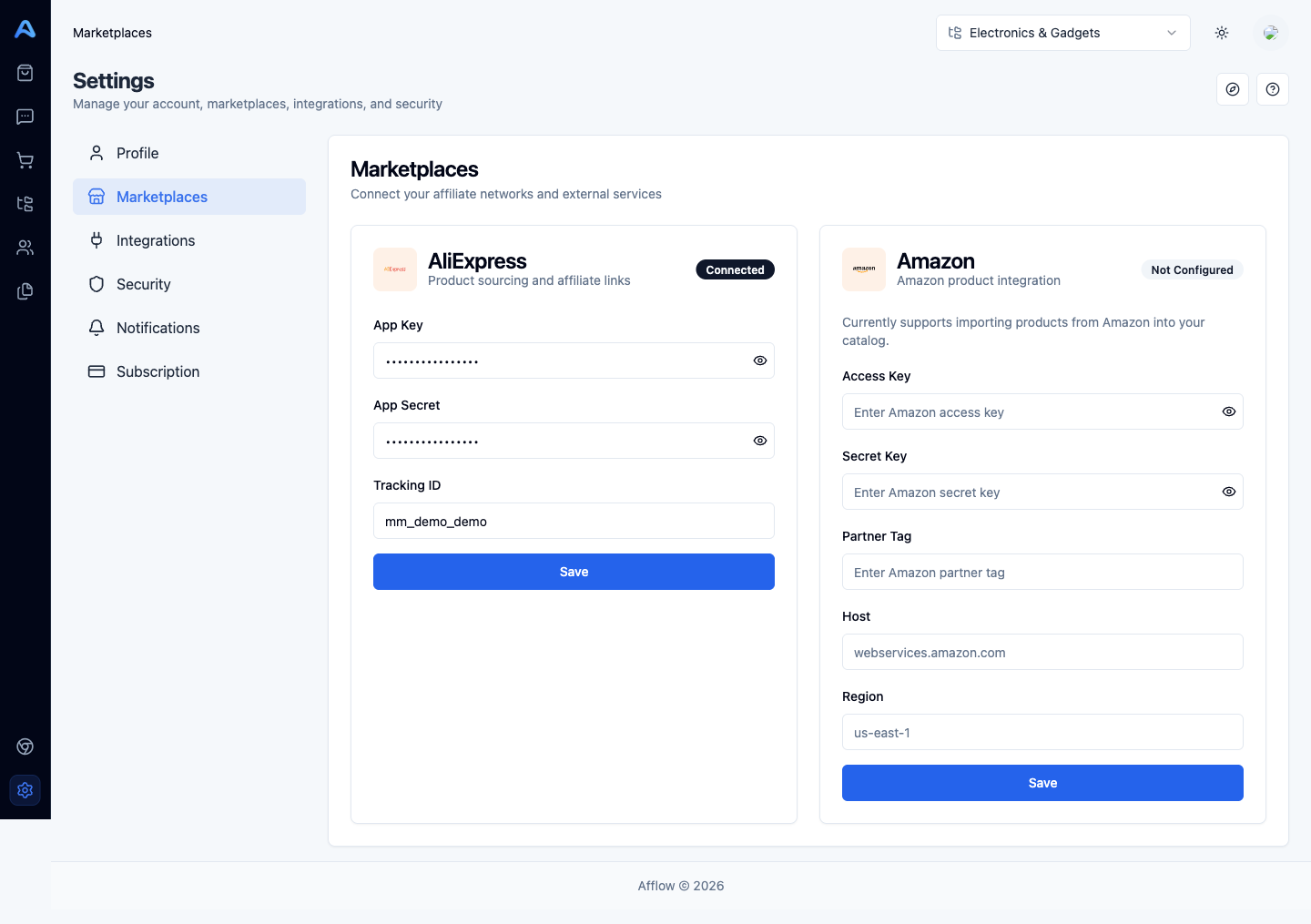
The Marketplaces tab is where you connect Afflow to the affiliate programs you earn from. Two integrations live here side-by-side: AliExpress (the primary marketplace, required for Explore Products and the most reliable affiliate-link generation) and Amazon (optional, for importing Amazon products into your catalog). Each card shows a connection badge — Connected when all required fields are filled in, Not configured otherwise.
AliExpress
The AliExpress card has three fields, all of them issued by the AliExpress Affiliate Portal:
- App Key — the public identifier for your AliExpress affiliate app. Stored encrypted; the eye icon toggles whether it is masked in the UI.
- App Secret — the private secret that pairs with your App Key. Treat it like a password — never share it.
- Tracking ID — the AliExpress tracking ID associated with your account. Afflow uses it when generating affiliate URLs so commissions land in the right place.
Amazon
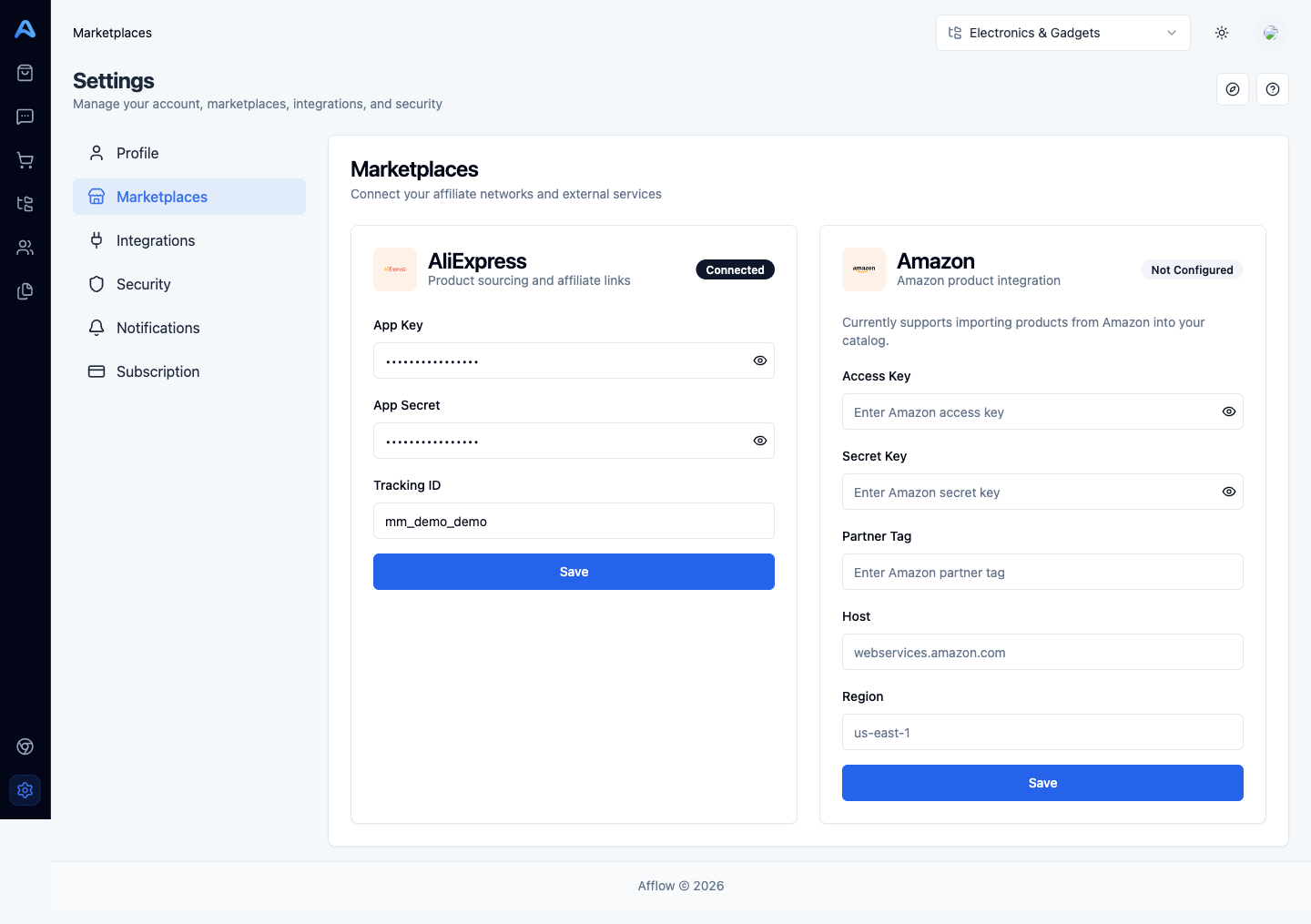
The Amazon card holds your Amazon Product Advertising API credentials. Currently Amazon support is focused on importing products into your catalog — the bulk of Afflow's product-discovery features still target AliExpress.
- Access Key — your Amazon API access key.
- Secret Key — the matching secret. Treat as a password.
- Partner Tag — your Amazon Associates tracking tag.
- Host — the regional endpoint, e.g.
webservices.amazon.comfor the US store. - Region — the AWS region for the endpoint, e.g.
us-east-1.
What Afflow does with these credentials
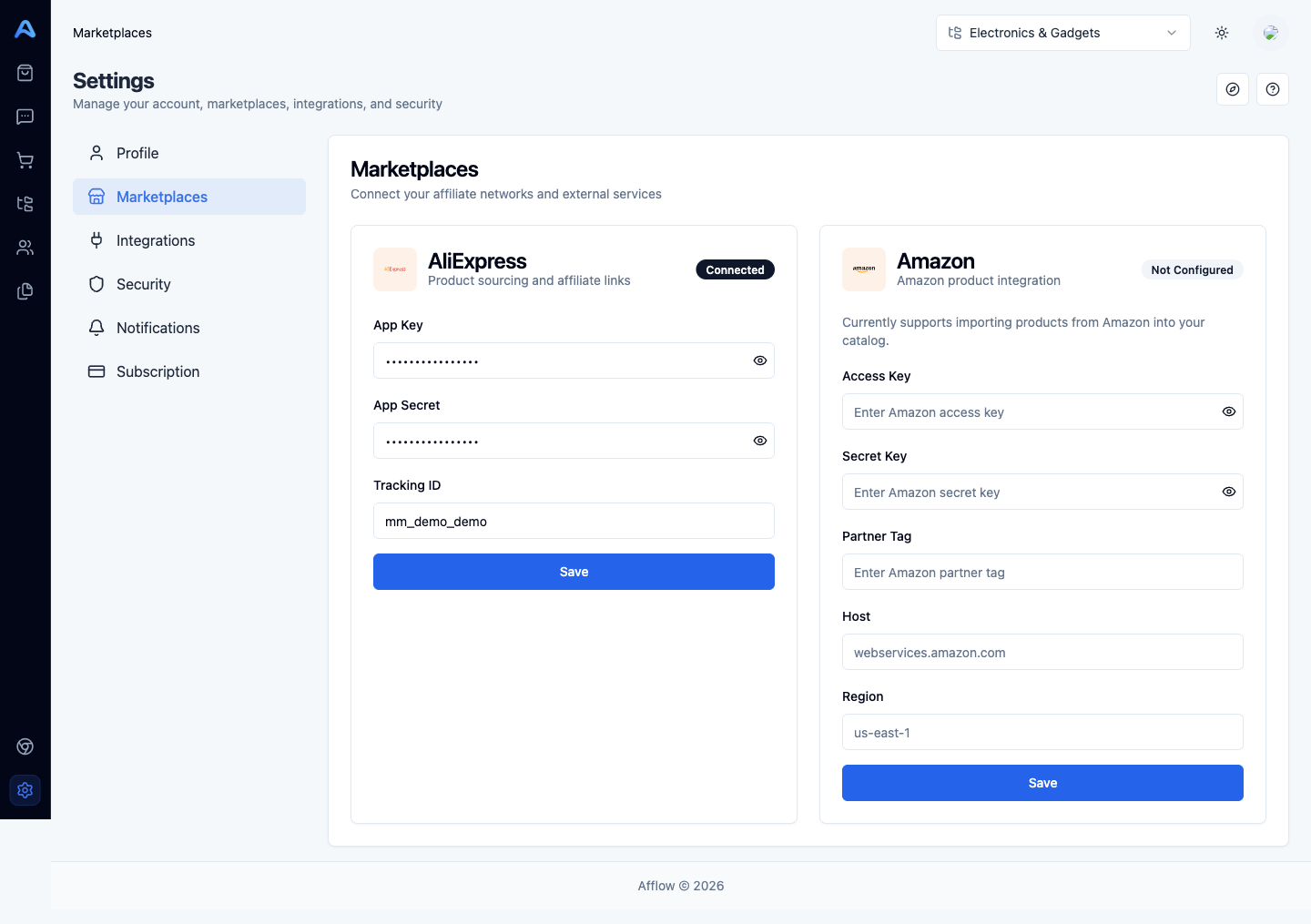
Marketplace credentials are used in three places:
- Importing products — when you paste a URL or use the Chrome extension, Afflow calls the marketplace to fetch title, images, price, discount, coupon, and reviews.
- Generating affiliate links — clicking Generate on a product's Promotion URL field uses your credentials to build a tracked affiliate URL.
- Refreshing data — Sync from Source on the product edit page re-fetches live marketplace data using these credentials.