





Profile
The Profile tab holds your basic account information.
- First name and Last name — editable; used in greetings and emails.
- Email — read-only, shown in grey. The email comes from the account you signed up with and cannot be changed here.
- Phone — editable; sometimes used by the payment provider when processing payments.
- Language — switches the entire app interface. The choice is also used to localise downloadable invoices and the language of automatic emails.
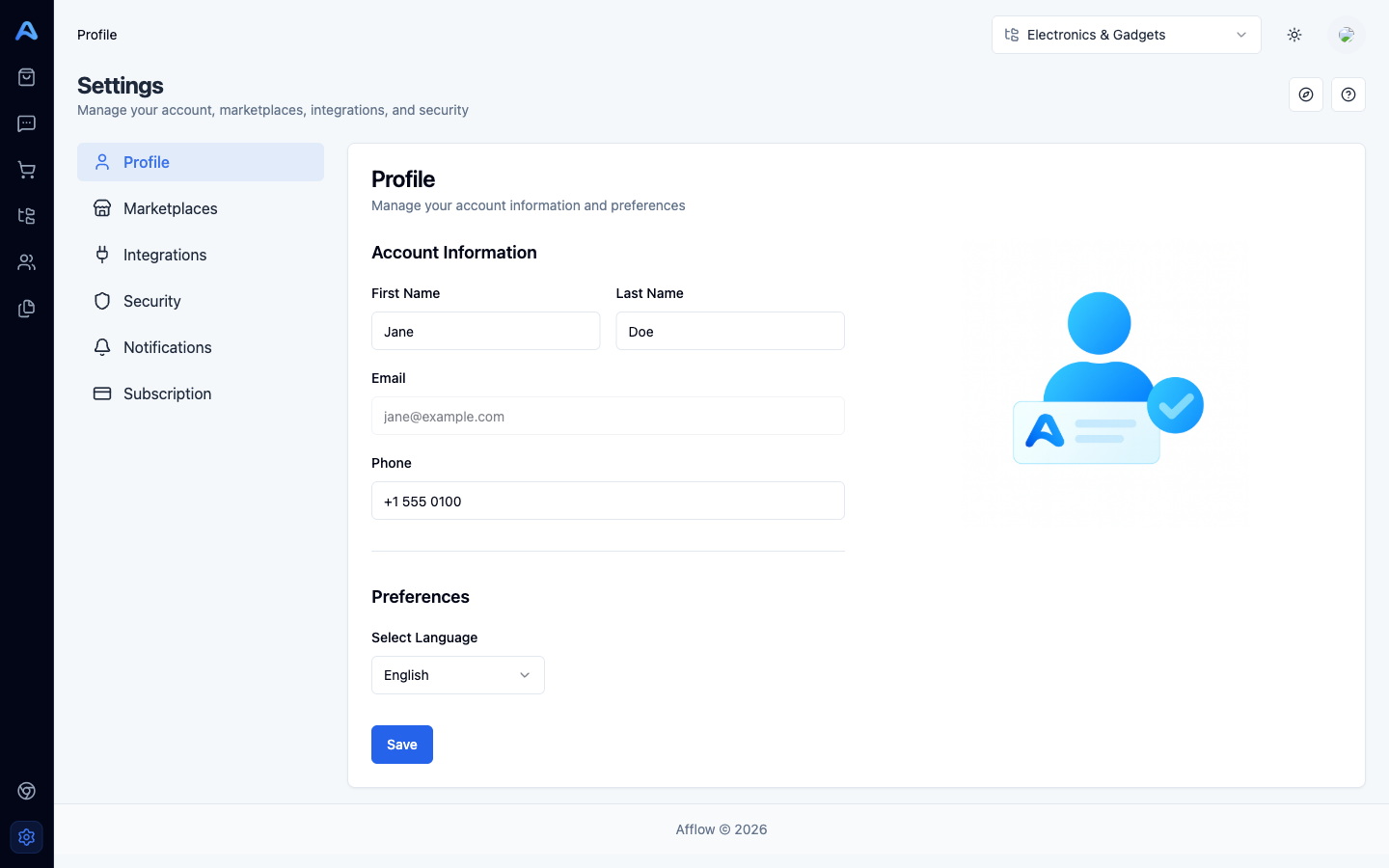
Click Save to persist your changes. A toast confirms the save.
Security: change your password
The Security tab has a single form with three fields: Current Password, New Password, and Confirm Password. Each field has an eye icon that toggles visibility while you type.
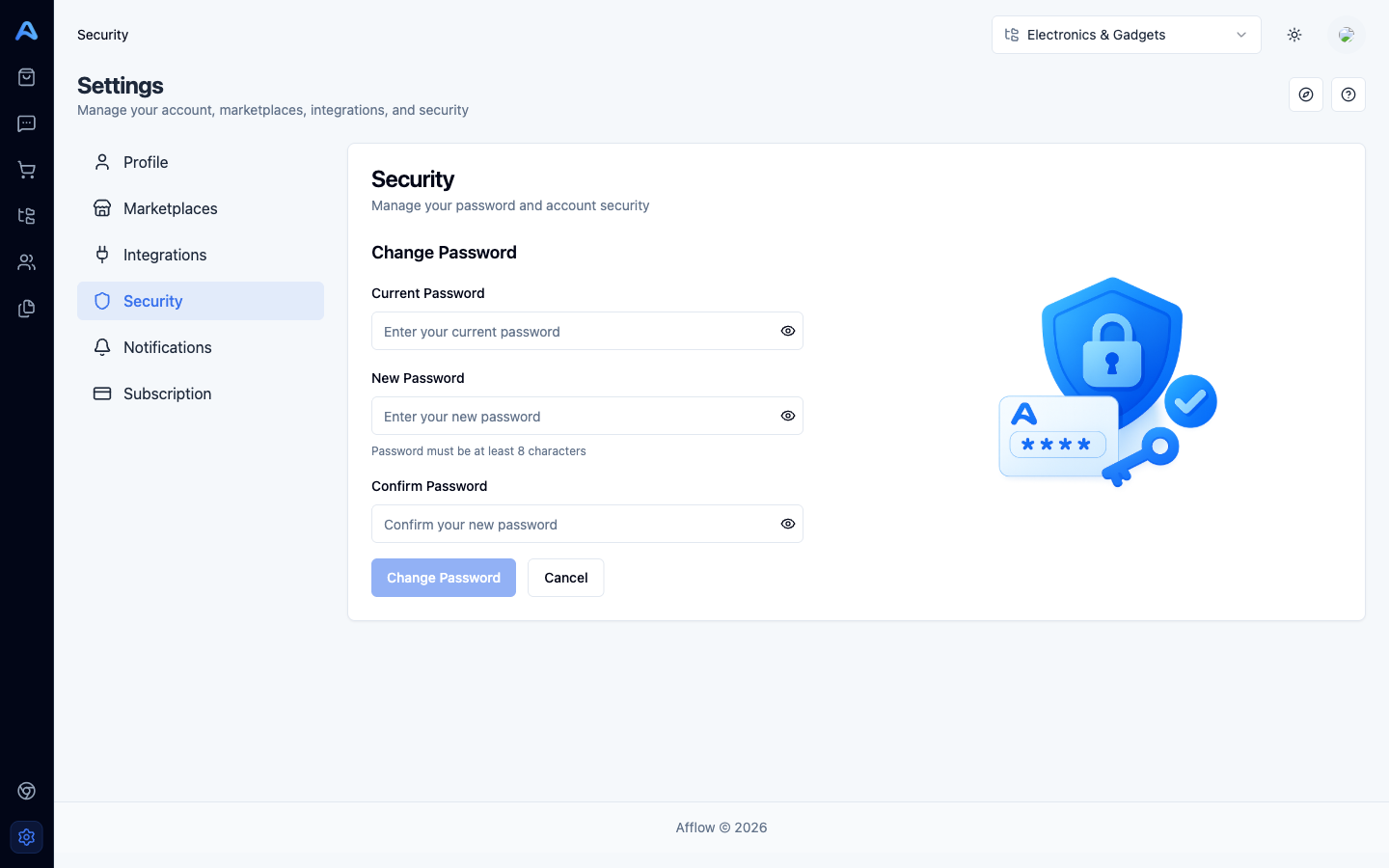
- New password must be at least 8 characters.
- New Password and Confirm Password must match — the Change Password button stays disabled until both rules pass.
- Click Cancel to clear all three fields without saving.
If you signed in with Google SSO you may not have a password set on Afflow at all — in that case continue to sign in via Google rather than using this form.
Notifications
The Notifications tab lets you opt in or out of the optional summary emails Afflow sends you. There are two switches today, grouped into Reports and AI & Automation:
- Daily Performance Summary — a daily email with your orders, revenue, and commissions.
- Product Discovery Complete — a notification each time the AI Product Discovery agent finishes importing a new batch of products into your catalog (only relevant on plans that include AI Product Discovery).
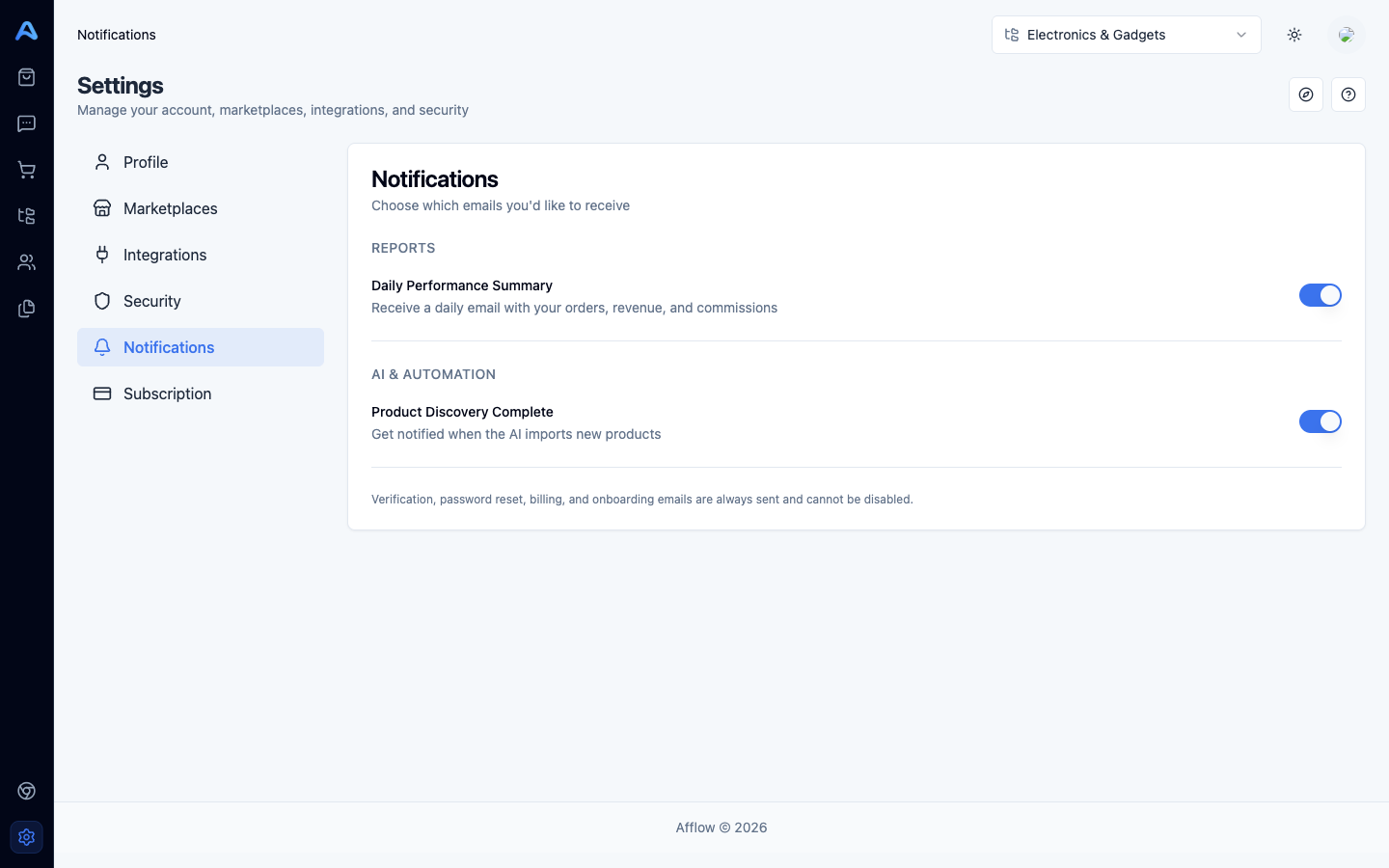
Verification, password reset, billing, and onboarding emails are always sent and cannot be disabled — only the optional summary emails are configurable here.