





Once your catalog is set up, the everyday question becomes: what should I add next? Afflow gives you two ways to answer that without bouncing between browser tabs.
Explore Products — search the AliExpress catalog
Open Products → Explore Products (the button appears in the page header when AliExpress credentials are connected). It is a search interface for the live AliExpress catalog, built into Afflow so you can import directly from results.
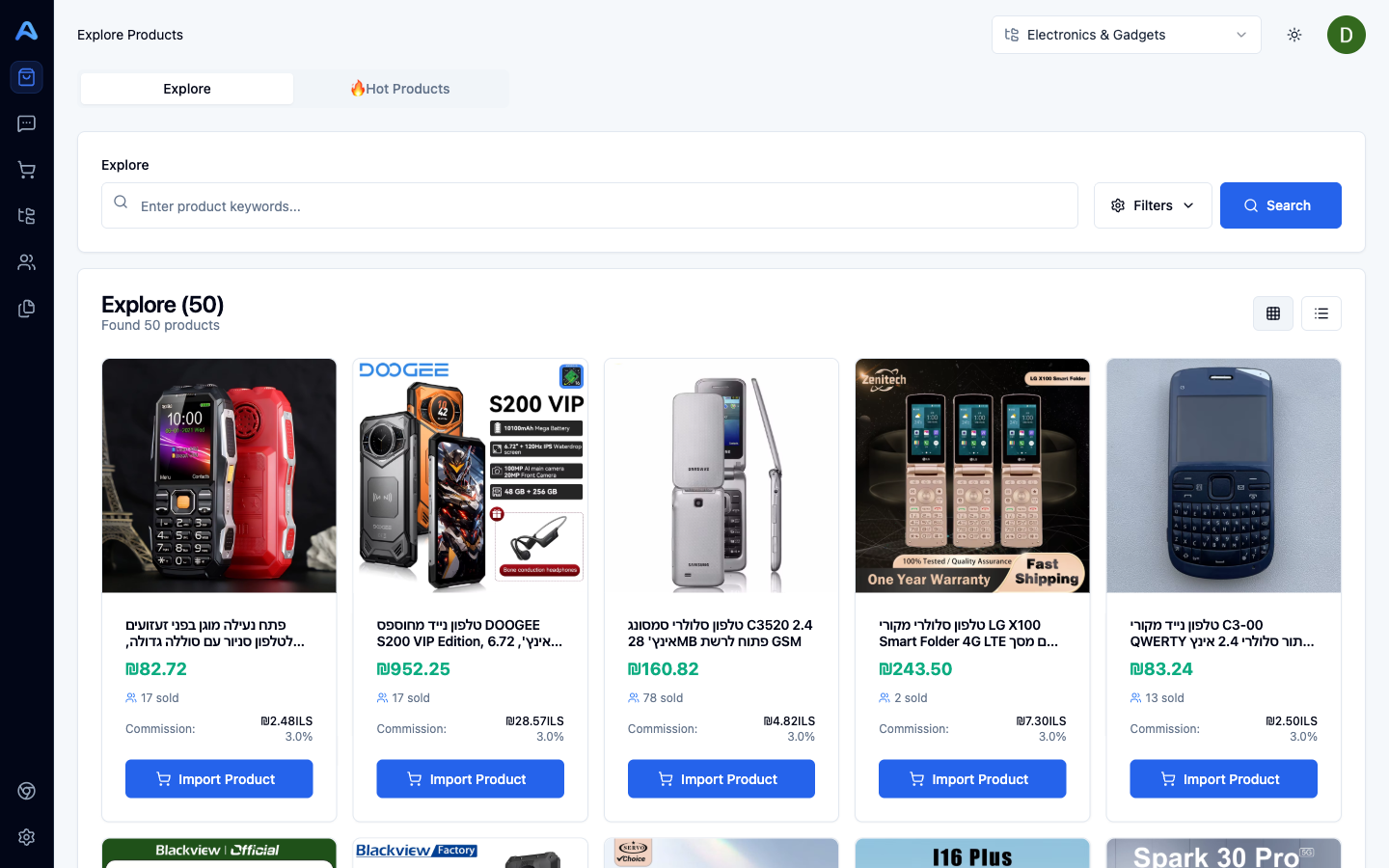
The Explore tab is for active hunting:
- Keyword — search by product name, brand, or category term.
- Currency / Language — show prices and titles in the format your audience expects.
- AliExpress category IDs — narrow to a specific marketplace category if you know its ID.
- Primary sort — best-selling, price, sales volume.
- Secondary sort — commission rate, rating, sales volume, price.
- View modes — grid (5 columns) or list. Results load with infinite scroll.
Every card has an Import Product button. Pick the destination category and the product is added to your catalog the same way a manual URL import would be.
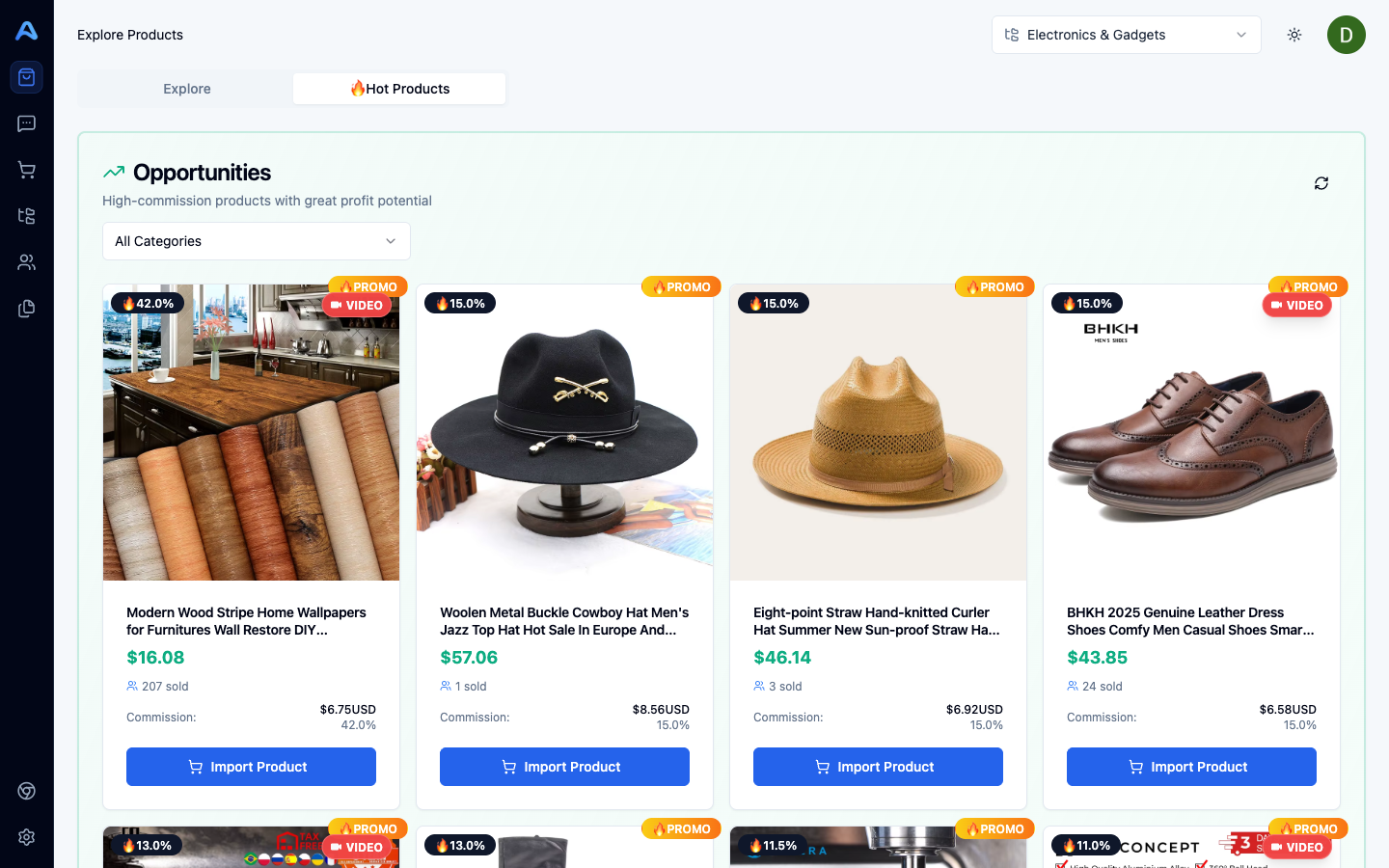
Hot Products — a curated trending feed
The second tab in Explore Products is Hot Products — a trending feed maintained by Afflow. Use the category filter to narrow the list, and click Refresh to pull a new batch (there is a 30-minute cooldown between refreshes). Promo deals are flagged with a 🔥 badge.
AI Suggestions — let Afflow propose what to add next
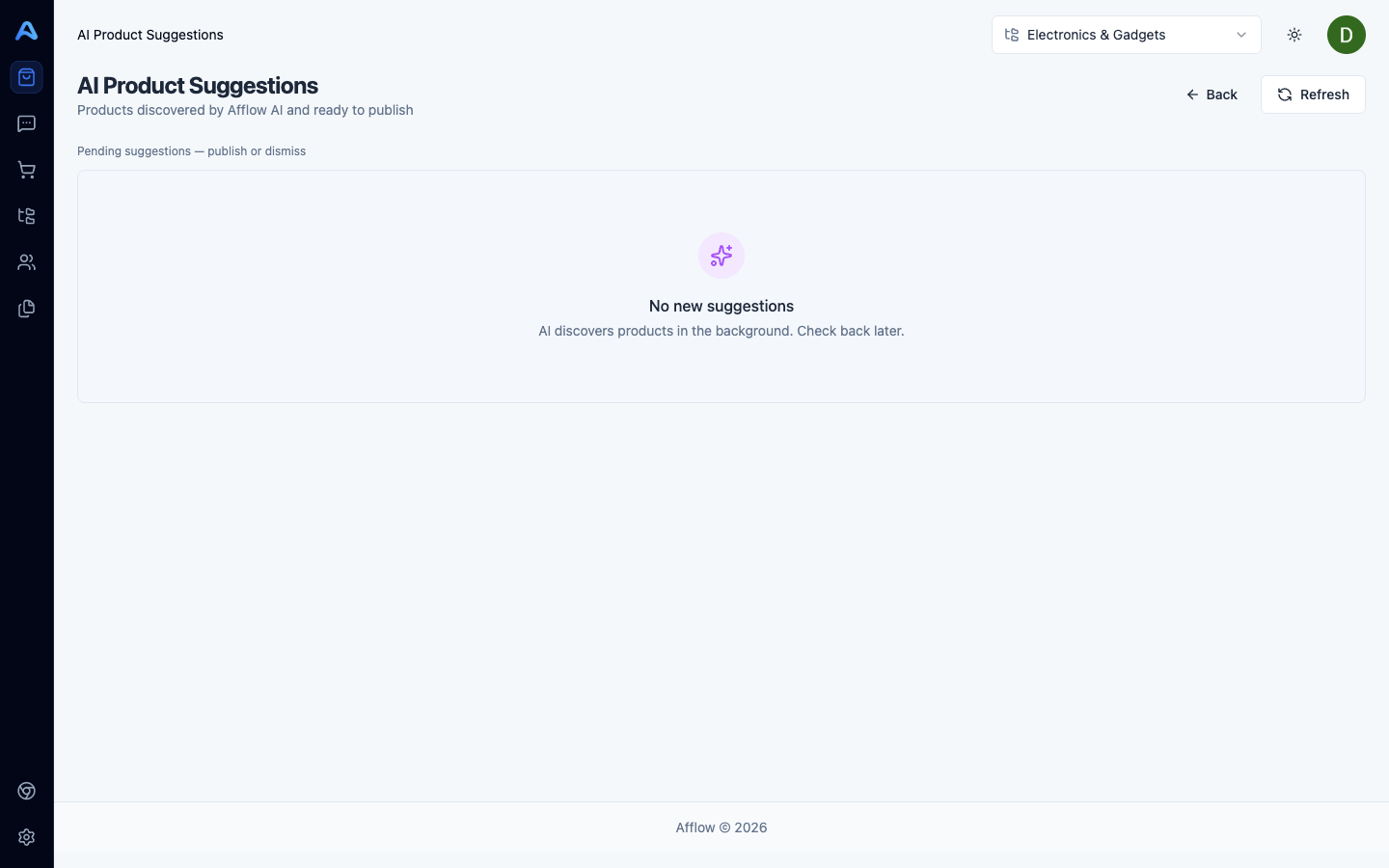
Products → AI Suggestions opens an AI-curated feed of products to add, based on what is already in your catalog. Each suggestion lands as Pending; approve, reject, or create a post directly from the card. Refresh has a 30-minute cooldown.
Which one should you use?
- Use Explore when you have a specific product or category in mind — you know what you want to find.
- Use Hot Products when you want fresh trends without typing anything.
- Use AI Suggestions when you want a curated, audience-aware shortlist that learns from your existing catalog.