





All Posts settings are per category. The page at Posts → Settings shows the settings for whichever category is currently active in the category switcher. Switching categories switches the values you are editing.
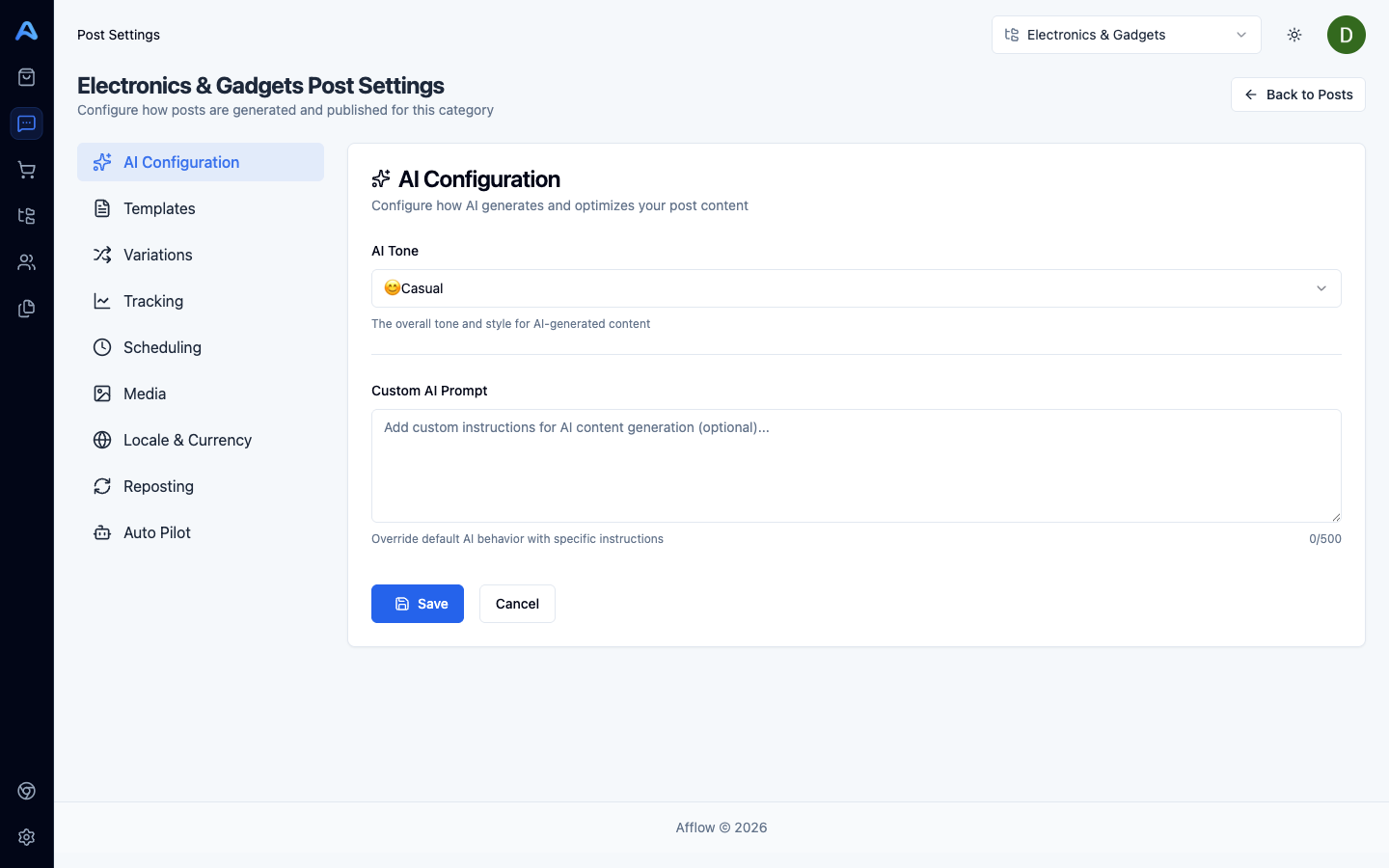
AI
Controls how Afflow's AI writes the post body when you create a post.
- Marketing tone — neutral, casual, excited, professional, or friendly. Steers the AI toward a specific voice.
- Custom prompt — up to 500 characters of free text that gets appended to every AI request for this category. Use it for brand voice rules, audience hints, or content guardrails (e.g. "always mention the discount in the first line").
Templates
Templates are reusable structural skeletons — title pattern, body layout, emoji style — that the AI fills in with product data when generating a post.
- Templates list — create, edit, duplicate, or delete templates available to this category.
- Selected template — the one currently used for new posts in this category. Changing it affects only future post creations; existing posts are unchanged.
Variations
Variants are alternative versions of the same post — Afflow rotates them when publishing the same post to multiple groups so each group sees something different.
- Auto-generate variants — when on, every new post gets N alternative messages generated alongside the main one (uses extra credits).
- Variant count — slider 0 to 5. Number of additional variants to generate per post.
Tracking
Controls whether published posts get their own attribution link.
- Enable tracking — when on, every publish generates a unique tracking tag and appends it to the affiliate URL. The destination group must also have tracking configured for it to actually engage; otherwise the post falls back to the marketplace's default affiliate link.
Scheduling
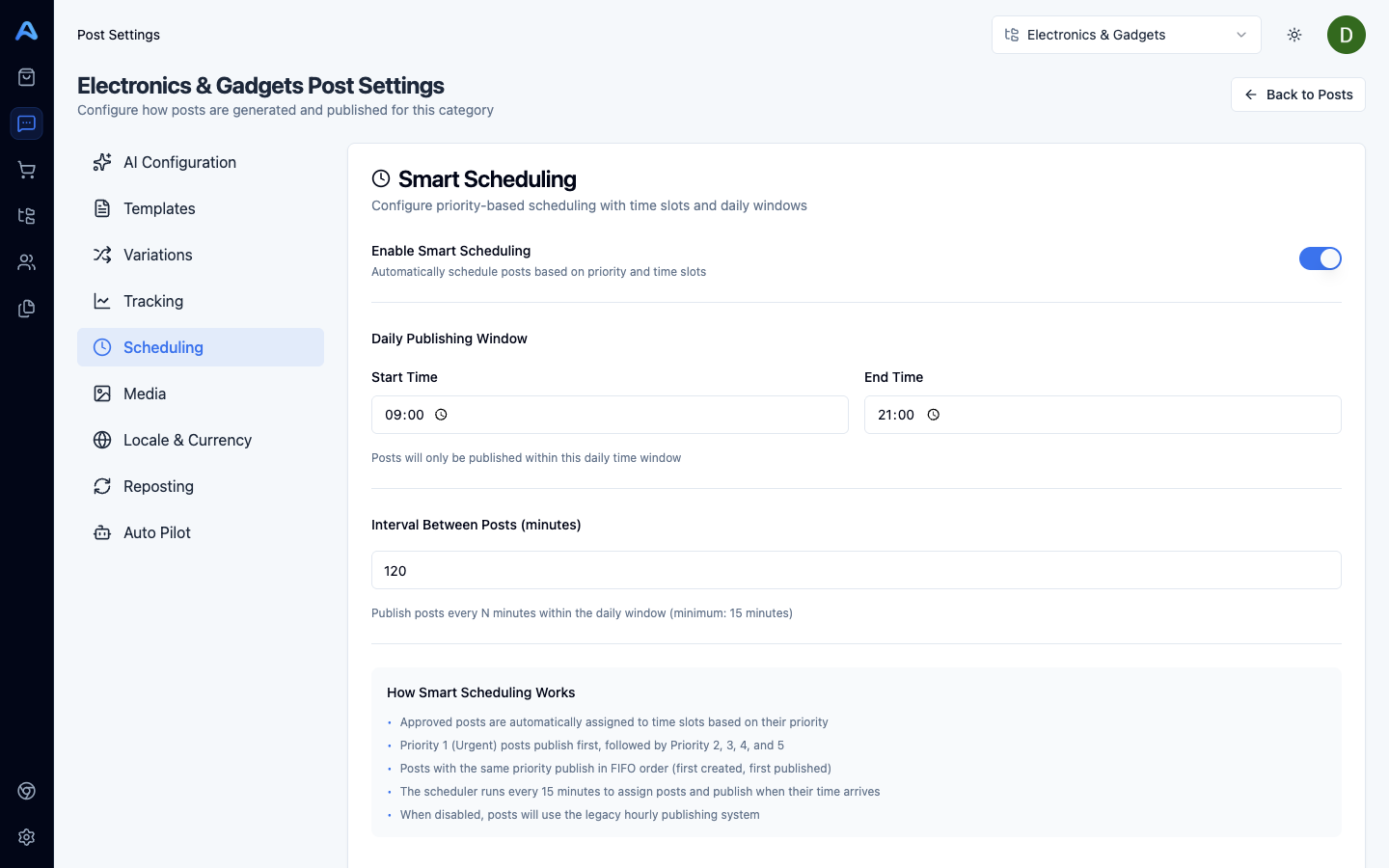
Controls the category-wide auto-scheduler that publishes approved posts on a recurring rhythm.
- Enable scheduling — turns the auto-scheduler on for this category. Off means approved posts only publish manually.
- Daily start time — the earliest time of day the scheduler will publish (in your account timezone).
- Daily end time — the latest time of day the scheduler will publish.
- Interval — minimum gap between two scheduled publishes (from 15 minutes up to 12 hours). Defines how often a slot opens up.
Media
Controls which media goes out with each publish.
- Send multiple images — when on, every product image is sent as an album. When off, only the primary image is sent.
- Include video — when on, if the product has a video it is included in the post; when off, video is skipped even if available.
Locale
Controls the language and currency the AI writes in for this category.
- Content language — the locale the AI writes in. Posts published to a group whose language differs from this setting get translated automatically before sending.
- Currency — the currency prices are formatted in inside the generated copy.
Auto Pilot
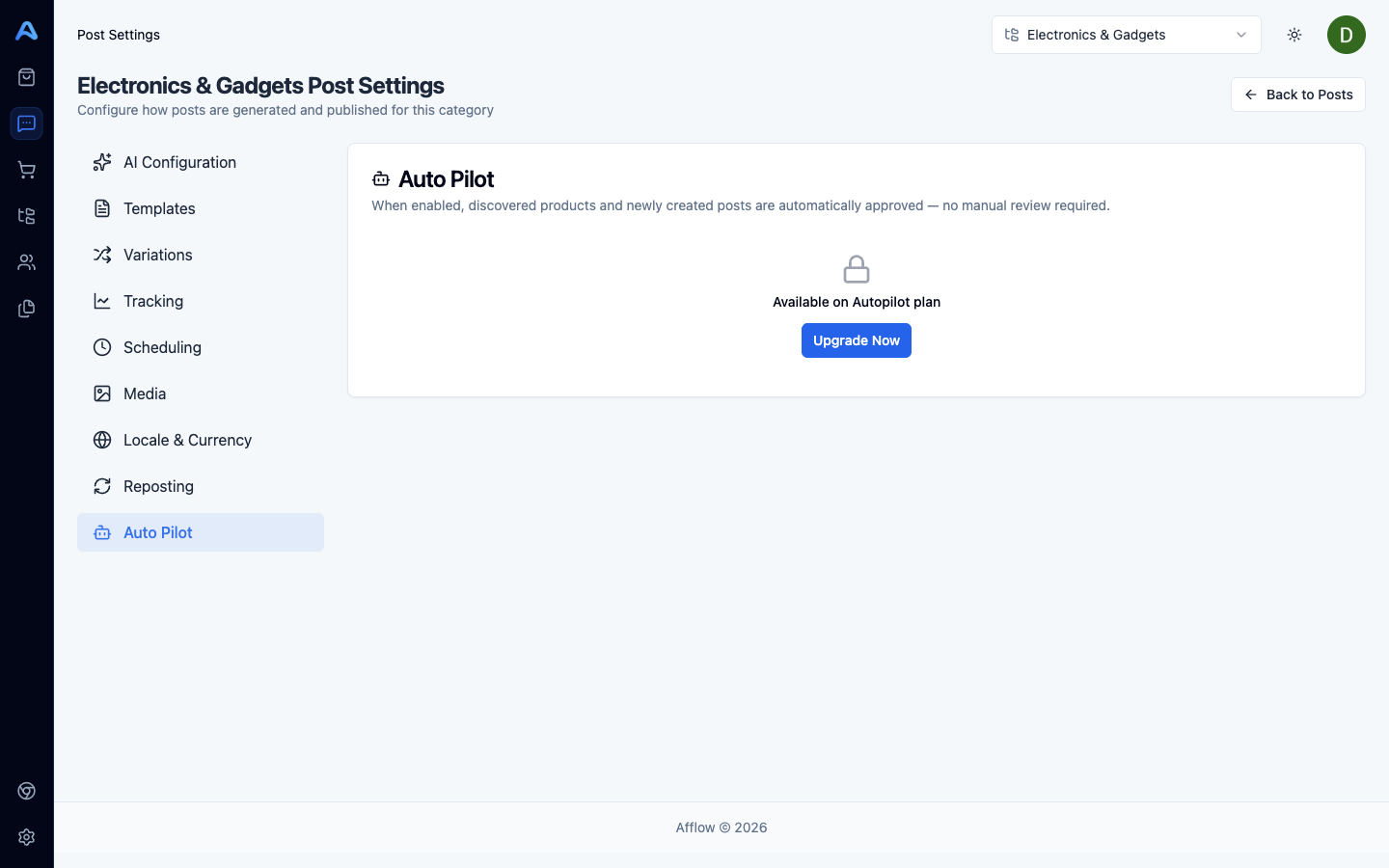
Subscription-gated — requires the Auto Pilot plan feature.
- Enable Auto Pilot — when on, new posts created in this category are saved as approved instead of pending. The Pending review step is skipped entirely.
- Auto-import — when on, products that show up in incoming orders get auto-classified into this category and imported automatically — useful for orders coming back from products you have not added by hand.
Reposting
Subscription-gated — requires the Auto-Repost plan feature.
- Enable reposting — when on, posts that have already been published get re-queued automatically after the configured interval.
- Reposting interval (days) — how many days after the original publish the post becomes eligible for a repost.